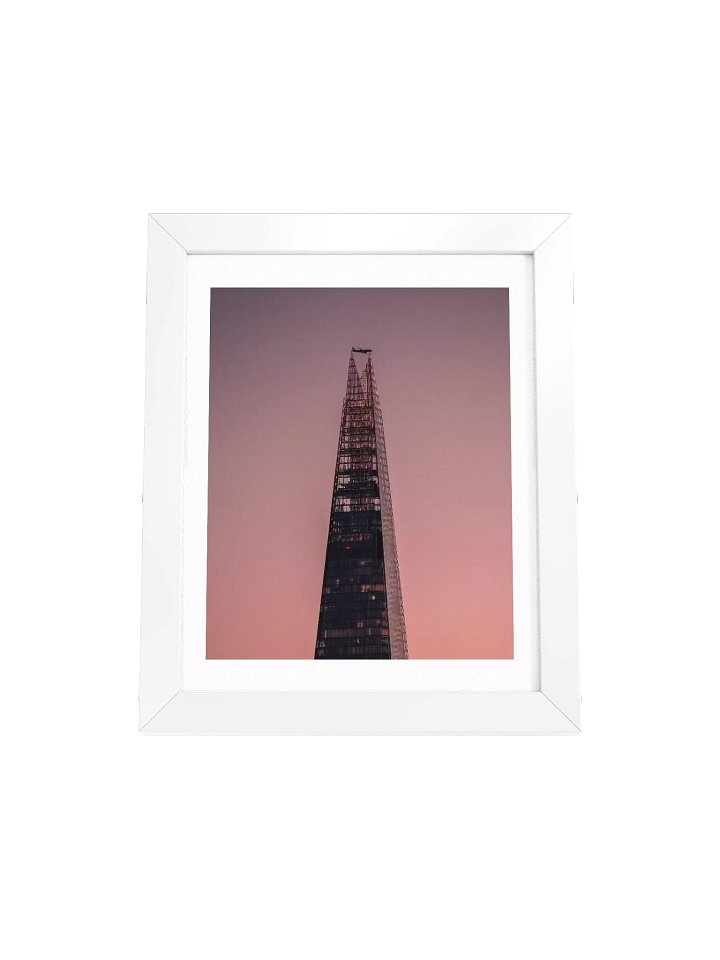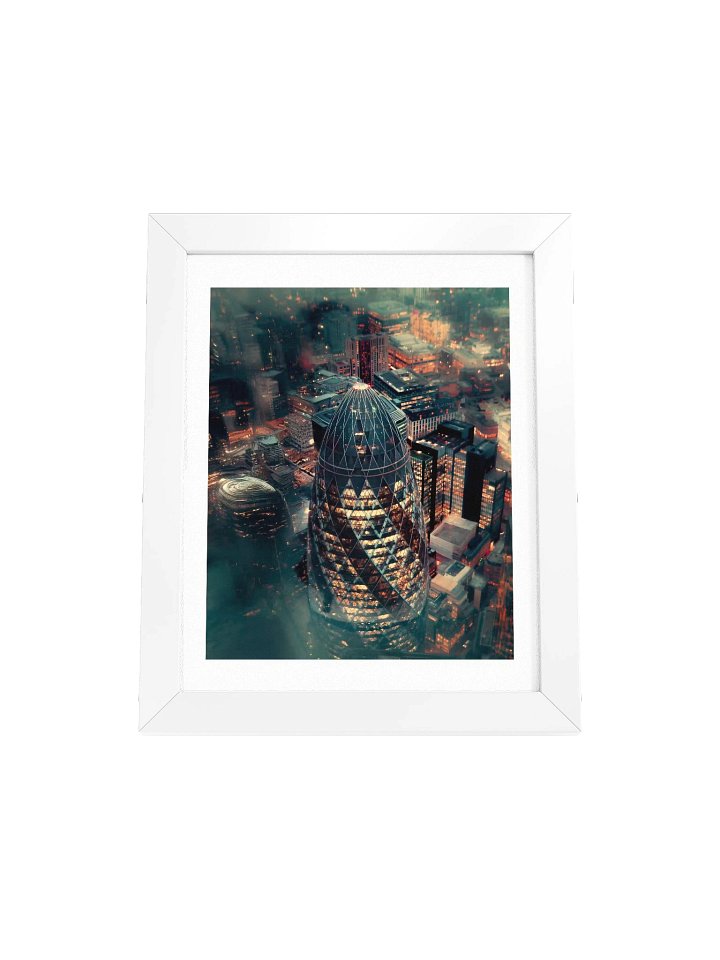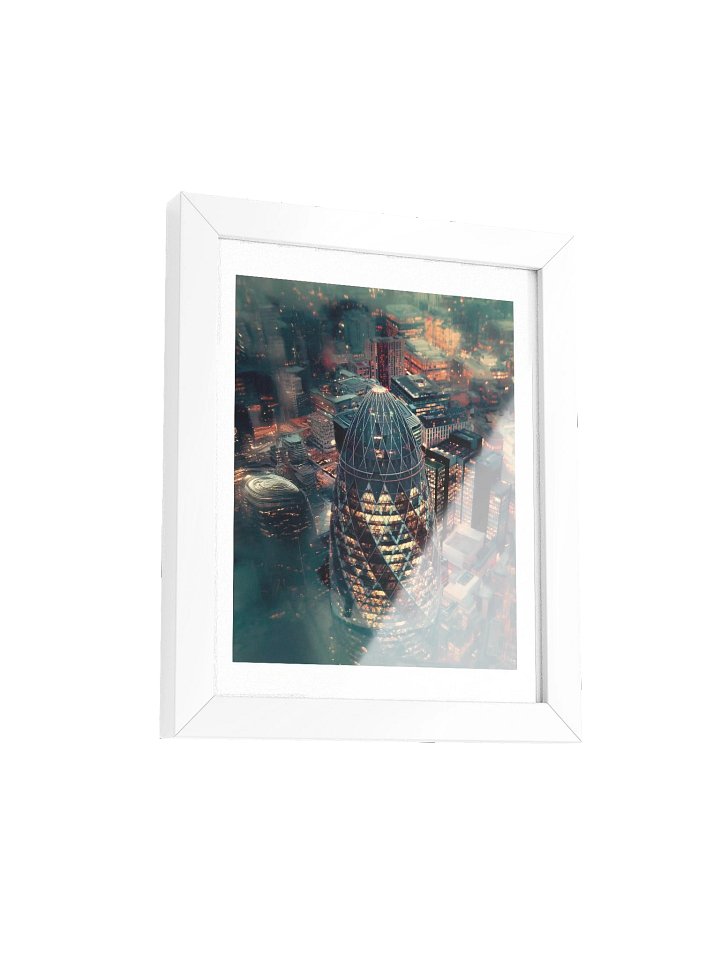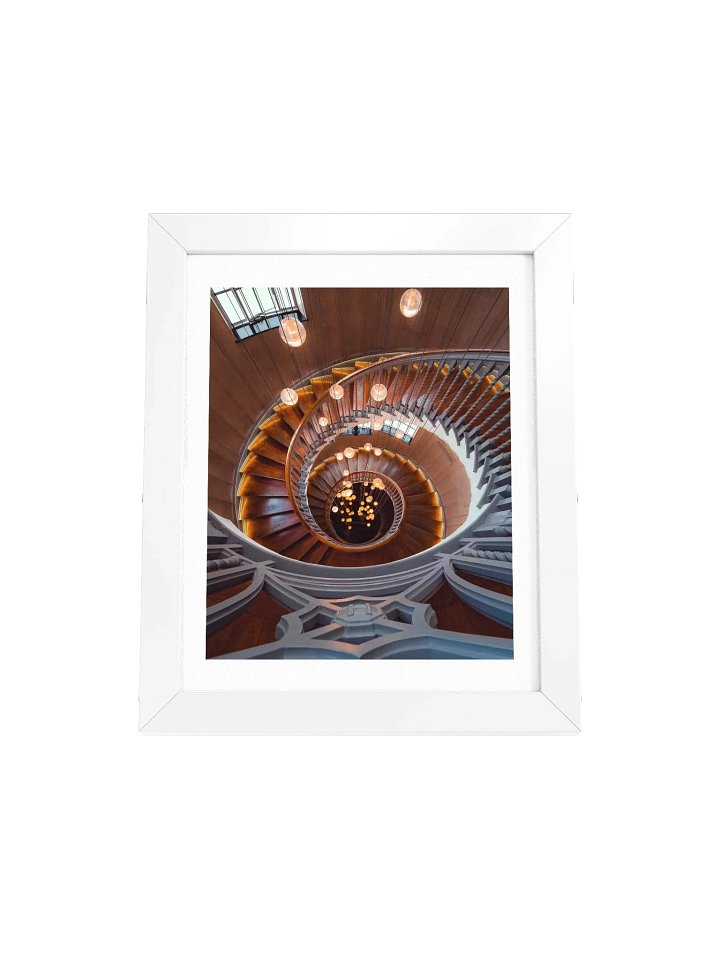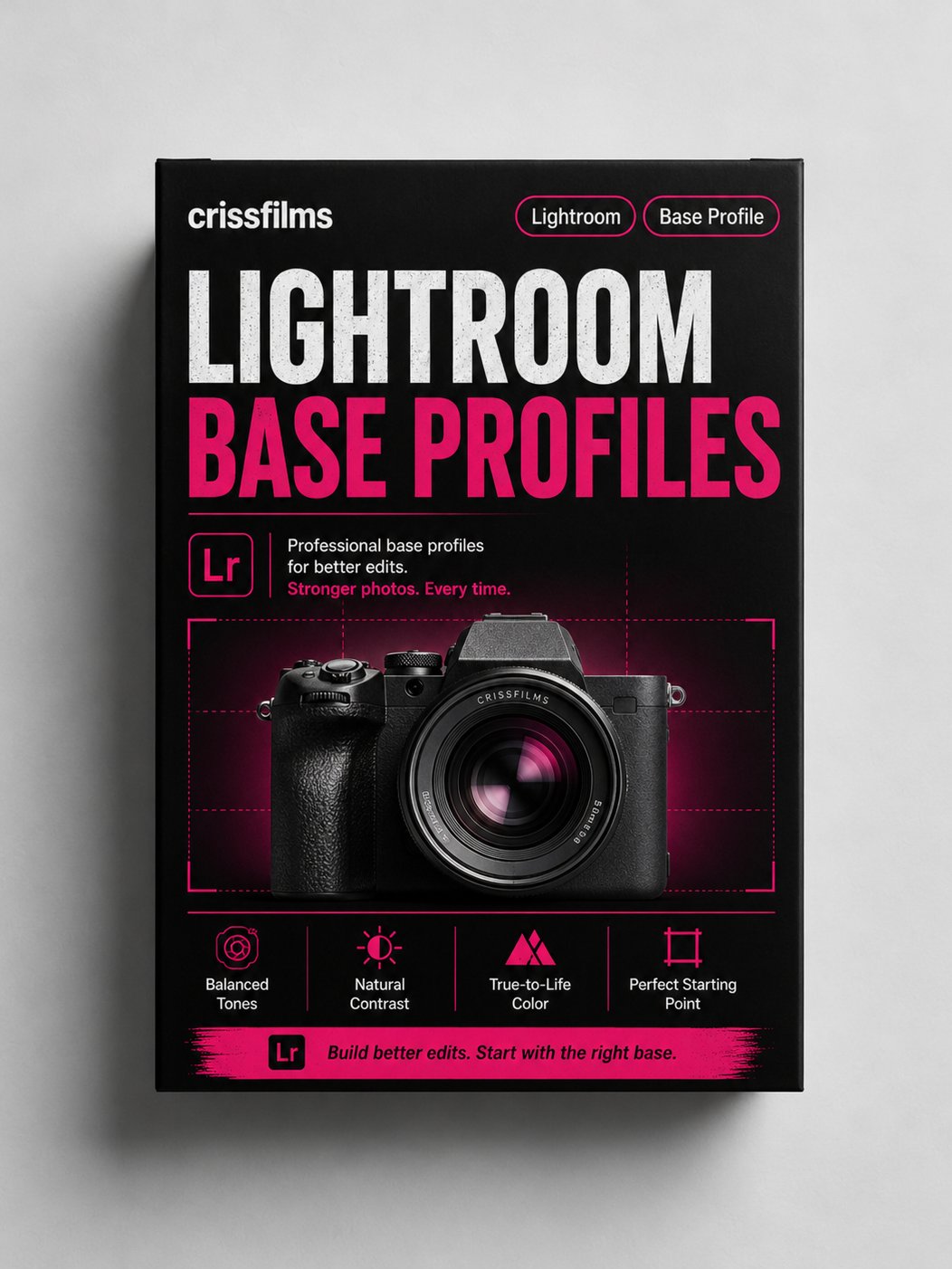
The Base (Lightroom Profiles)
Free shipping when you spend kr 1 134,91+ for everyone. Promotion auto-applied on checkout.
11 custom Lightroom profiles for creators who want a stronger starting point.
These are not designed to finish your image.
They’re designed to place it.
Inside the pack:
• Black & White
• Blue Hour
• Cine
• Cinematic
• Film
• Golden Hour
• Green Tones
• Night
• Pastel
• Teal & Orange
• Vintage
Presets sit on top of an image.
Profiles sit underneath it.
They shift the base — the colour, the weight, the atmosphere, the way light moves through the frame.
Use them when you want:
A cleaner starting point
A more consistent feel across your work
Less correction, more direction
A base that still leaves room for your own edit
Built for Lightroom.
Made for creators who want their images to feel more intentional from the start.